

Help Desk: The End-User Experience
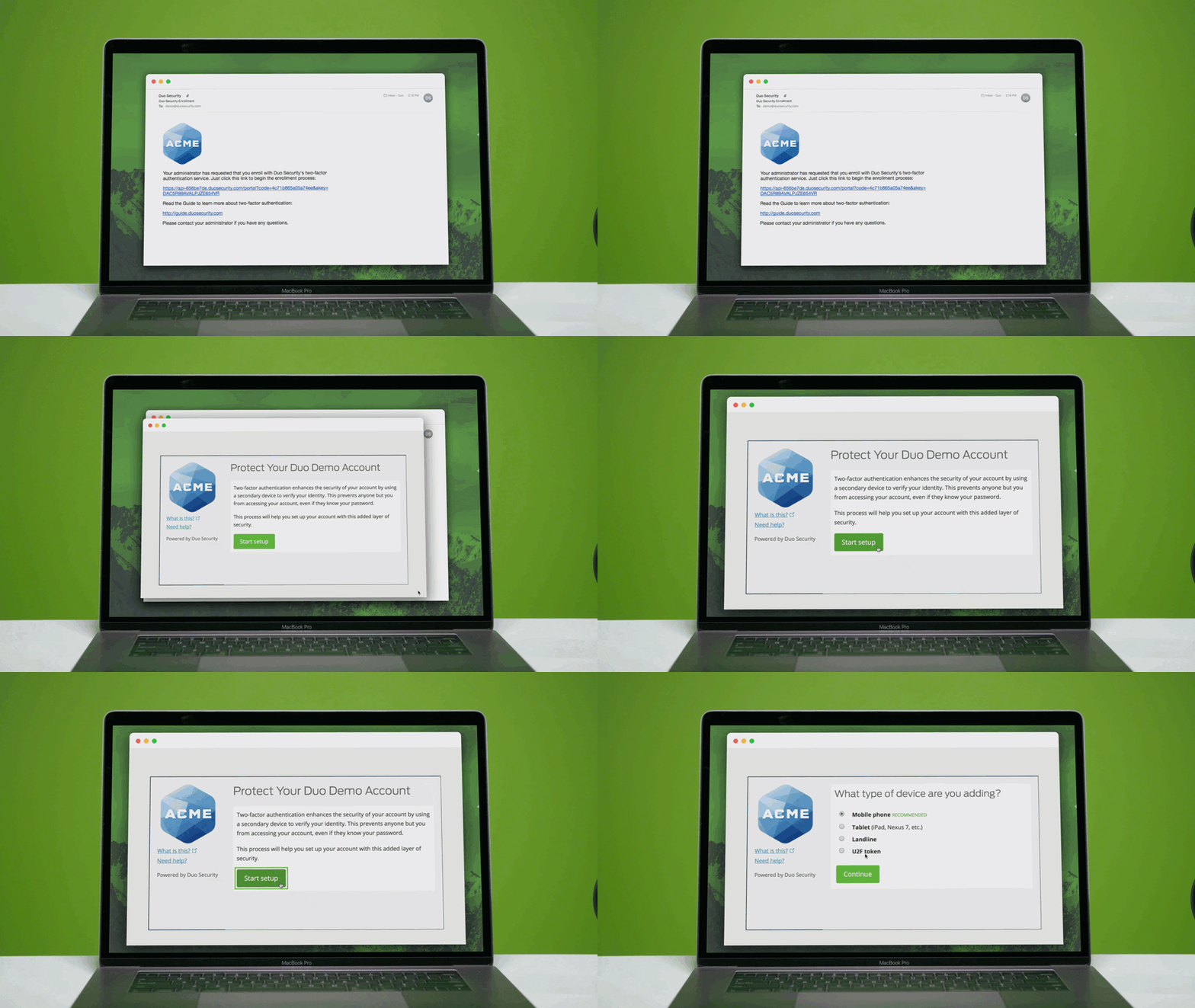
Inline Self-Enrollment
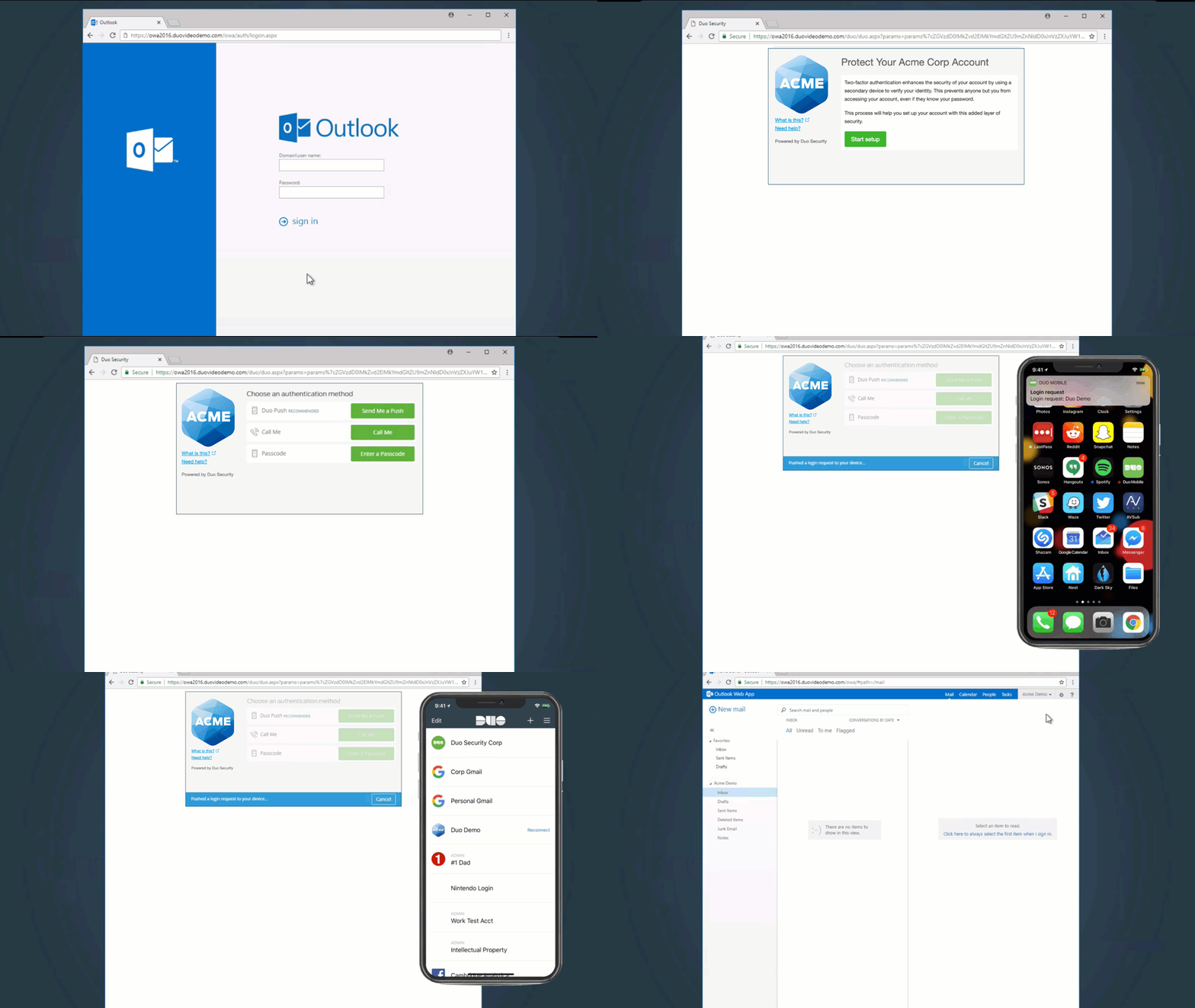
Inline self-enrollment allows end-users to register themselves with Duo as part of the normal login experience the first time they access a Duo-protected application that is capable of displaying the Duo Prompt. When completing self-enrollment, the end-user can easily complete two-factor authentication and enroll in Duo all at once. This experience is intuitive to end-users and is a quick, easy way to way to link their 2FA device to the associated user.
Enrollment Emails
Users can also receive an Enrollment email as part of the Active Directory syncing process where they are similarly required walk through enrolling their device, outside of in-line with an application.

Note: This course may no longer be accurate!
This course is an archived version saved for my professional portfolio. While much of this information is still true, the content is not guaranteed to be accurate. Current Duo administrators can find up-to-date resources at duo.com/docs and help.duo.com.