

Help Desk: Support Success
Helpful Resources
How to change user status - Do you have an end-user that's locked out? Learn that and more on our guide to changing user statuses.
Managing Duo Users - Comprehensive guide to managing Duo Users in the Admin Panel.
Administrator's Guide to Duo Mobile Activation - Remember, Active user status does not mean that the user has activated Duo Mobile. For help with Duo Mobile activation, check out our documentation on Duo Mobile activation.
User Policy Settings - Users in Active status are required to pass 2FA under normal conditions, but Duo does support the ability to change this at an administrative level by modifying access control settings called Policies. If a Policy setting ever denies a user access to an application that they need, consult a Duo Administrator at your organization.
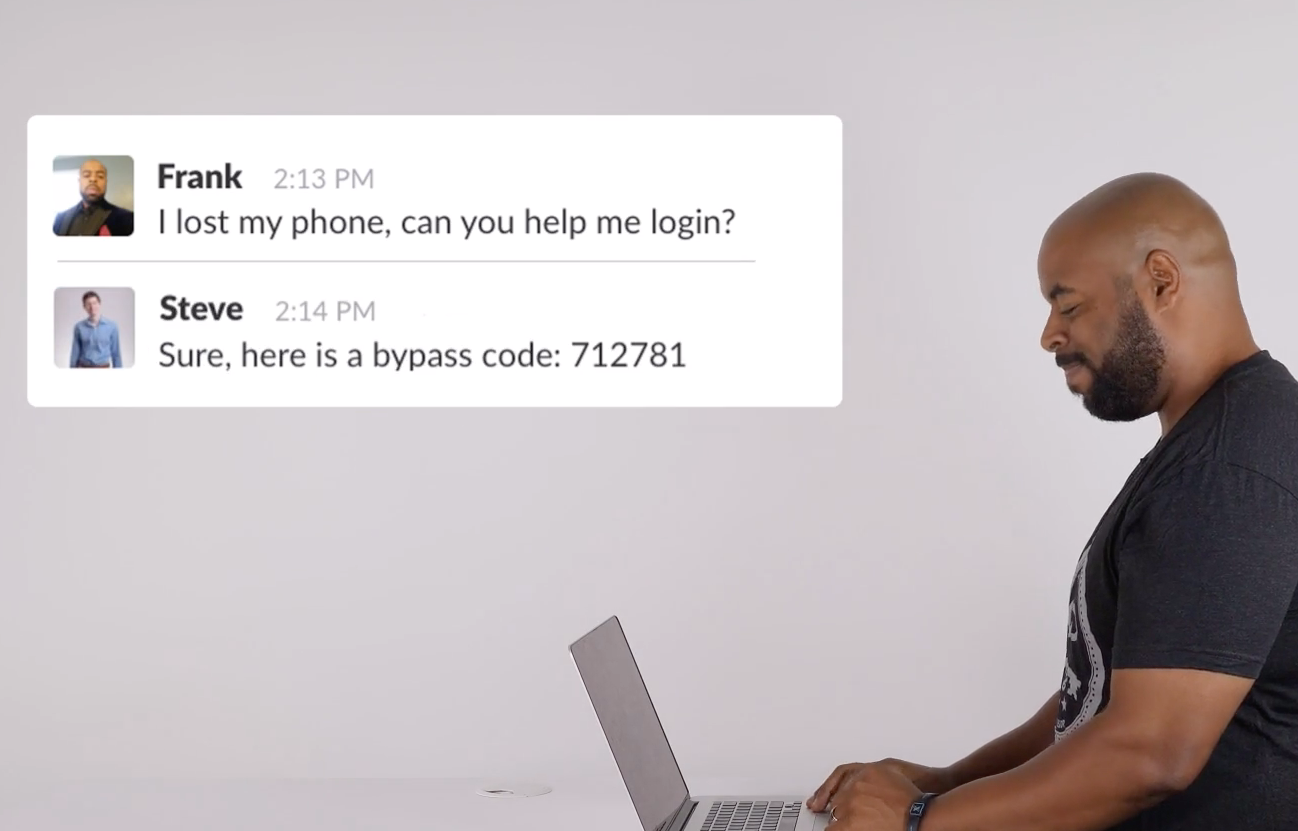
If a user leaves their phone at home, loses their hardware token, or is otherwise unable to authenticate using two-factor authentication, they will be unable to access Duo-protected applications. Always stress to users that they should contact an administrator immediately if their 2FA authentication device is lost or stolen. In this scenario, have the user try to authenticate with another device assigned to them. If no other devices are available, consider issuing a Bypass Code as a last resort for limited temporary access.
Bypass Codes
A user must be fully enrolled in Duo in order to use bypass codes to successfully complete two-factor authentication. They must have a 2FA device, such as a phone or hardware token, associated with their username, or else any generated bypass codes will not allow the user to sign in.
Note: Bypass code settings can be configured on an organizational level to restrict Help Desk admins from issuing bypass codes. If you are a Help Desk role administrator and the Add Bypass Code options are missing from the Users tab, contact an administrator with an Administrator or Owner role to enable this feature.

Note: This course may no longer be accurate!
This course is an archived version saved for my professional portfolio. While much of this information is still true, the content is not guaranteed to be accurate. Current Duo administrators can find up-to-date resources at duo.com/docs and help.duo.com.