

Help Desk: The End-User Experience
In order to use Duo Mobile for authentication to protected applications, it needs to be activated to link a user's mobile device to their Duo account. The easiest method of Duo Mobile activation is available right from the Duo Prompt. End-users can activate Duo Mobile for the first time by installing the Duo Mobile app and tapping Add Account or “+” in the main account list to add a new account. An on-screen QR code will appear in the Duo Prompt that they can scan with their device.
What if you can't scan the QR code?
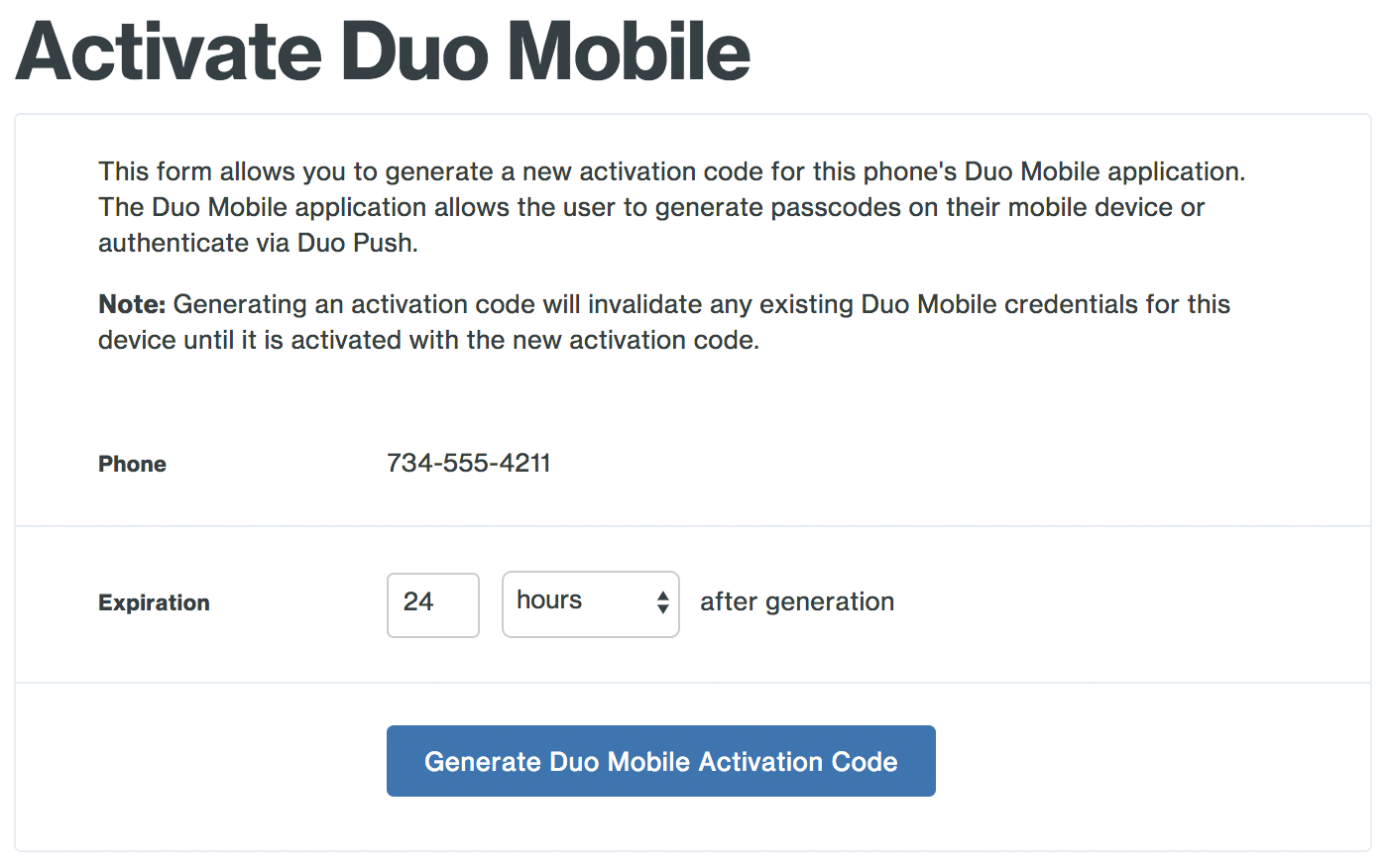
If the camera on the device is not working or if the end-user is authenticating to an application that does not display the Duo Prompt, then they will not be able to access the QR code for activation. In these situations, an administrator can help them activate their device using the Admin Panel. An activation link can be sent to the end user via SMS or by generating an activation URL that can be copied and pasted into an email that the user can access from their device. Using this method allows the end-user to activate Duo Mobile without a QR code.

Helpful Resources
Guide to Promoting Duo Push - Get the facts about Duo Push for Duo Mobile and tips on encouraging end-user adoption at your organization
End-User Duo Mobile Reactivation Guide - Step-by-step instructions for end-users to reactivate Duo Mobile using the Self-Service Portal
Administrator's Guide to Activating Duo Mobile - Learn how to activate Duo Mobile as an administrator
Duo Mobile for Third Party Accounts - Once activated, Duo Mobile can be used to generate Third-Party OTP codes passcodes to protect your personal accounts such as Twitter or Facebook
Video: Authenticating with Duo Push - See how Duo Push Authentication works
Duo Mobile Privacy Information - Learn more about Duo Mobile's privacy details

Note: This course may no longer be accurate!
This course is an archived version saved for my professional portfolio. While much of this information is still true, the content is not guaranteed to be accurate. Current Duo administrators can find up-to-date resources at duo.com/docs and help.duo.com.