

Help Desk: The End-User Experience
When a user has both their username and at least one associated 2FA device in Duo, the user is considered fully enrolled. These users will appear in the Admin Panel and be able to authenticate using two-factor authentication.
Once a user is fully enrolled with at least one 2FA device added to their username, they will be able to use two-factor authentication to access Duo-protected applications.
How does a user get enrolled?
There are a variety of strategies your organization may choose to automatically sync, import, or manually create end-user accounts. This can be anything from using Directory Sync, or allowing end-users to self enroll using the Duo Prompt. Consult the Duo Administrator at your organization with Owner, Administrator, or User Manager roles for more information on how your organization manages end-user accounts.
Helpful Resources
End-User Enrollment Guide - A comprehensive guide to help end-users enroll in Duo
Video: Duo Mobile Self Enrollment & Activation - View the full end-user Self-Enrollment and activation process for Duo Mobile, all as one seamless experience in the Duo Prompt
Enrolling Users Without Lifting a Finger - How does end-user self enrollment benefit administrators?
The very first step to configuring a Duo end-user account is enrollment, the process of adding a user to the Duo Admin Panel and associating them with a 2FA device.
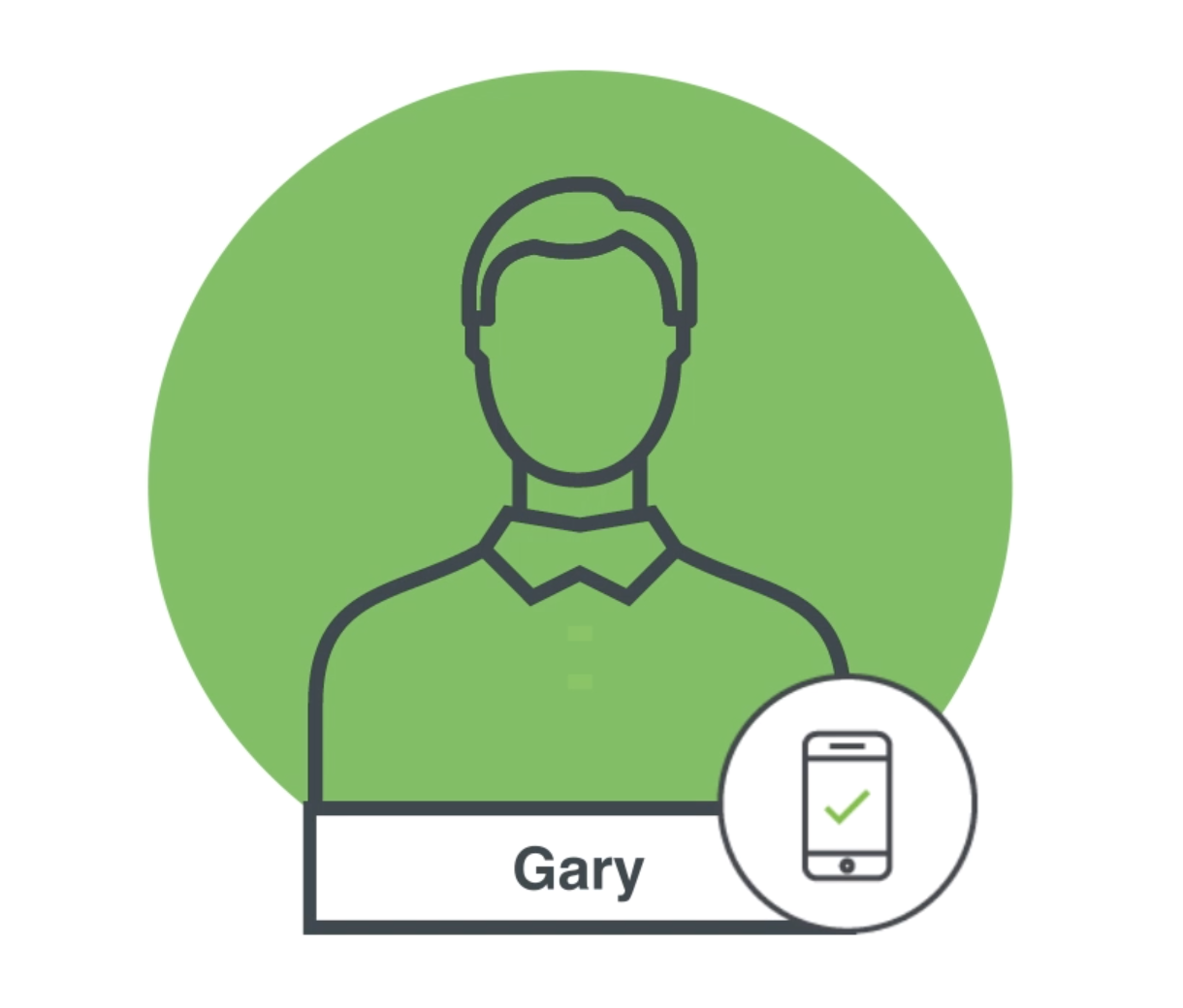
Fully Enrolled
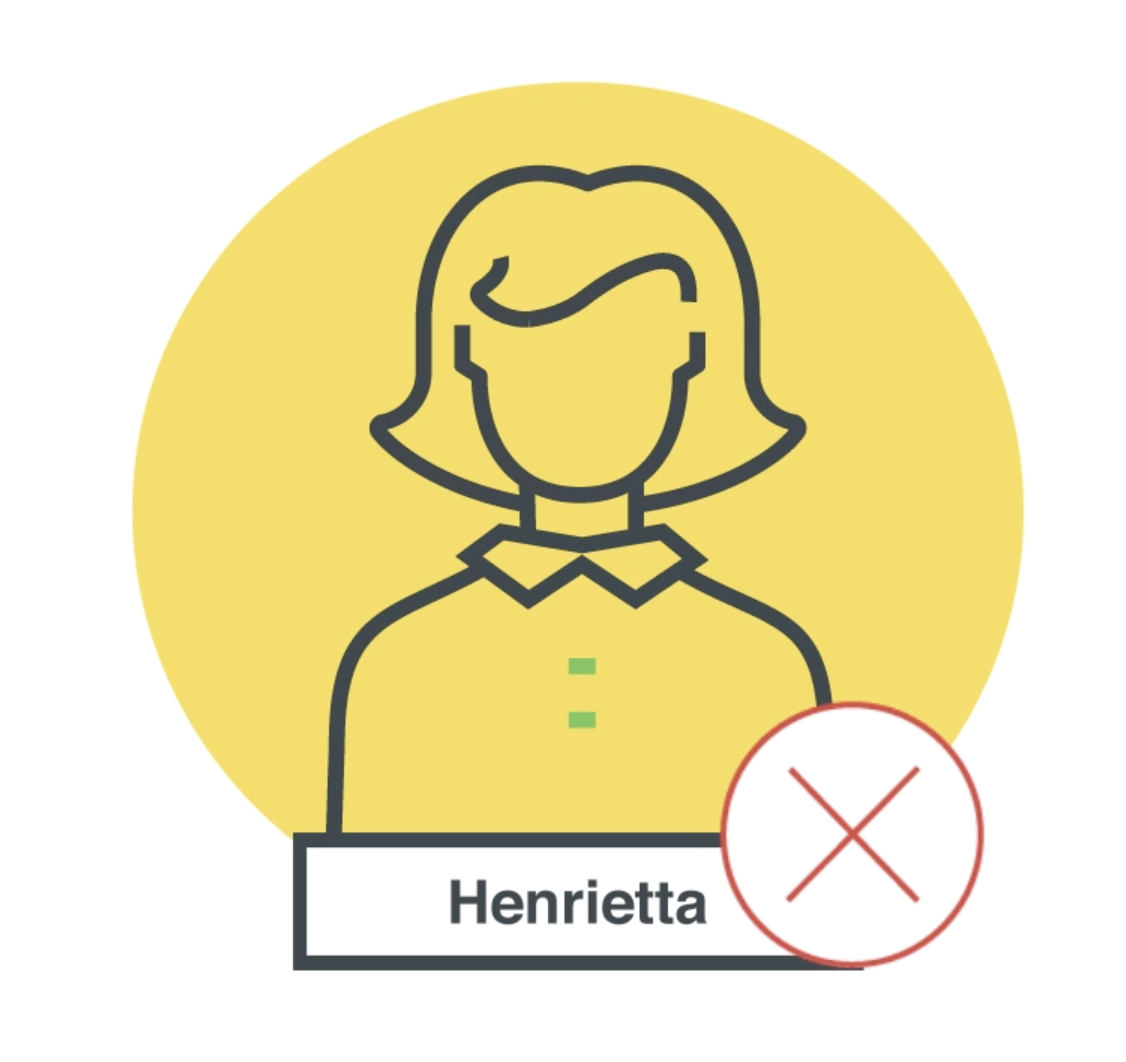
When a user has only a username in Duo with no associated 2FA device, the user is considered partially enrolled. These users will appear in the Admin Panel, but need at least one 2FA device added to their account in order to be fully enrolled.
Partially Enrolled
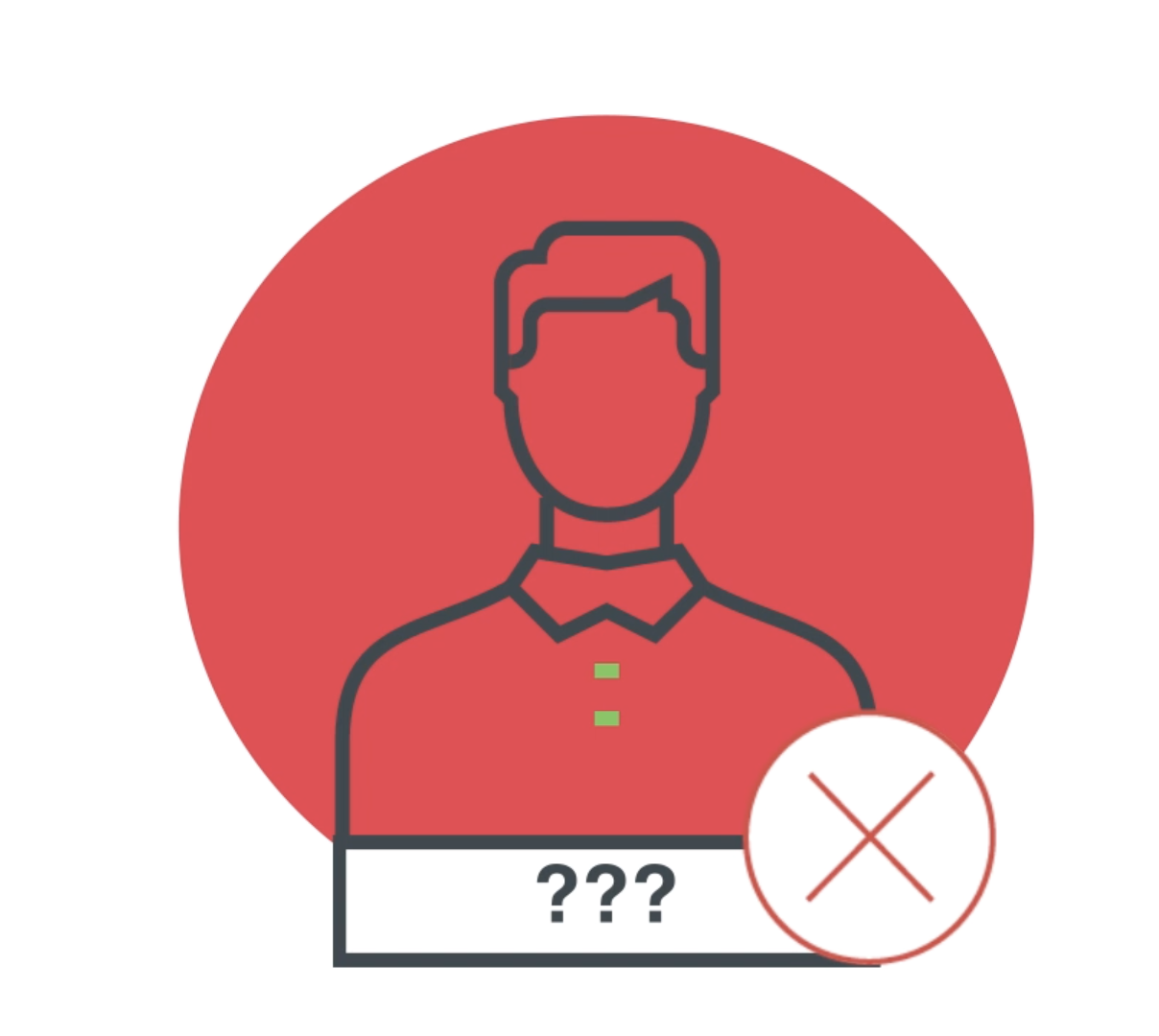
If a username is not listed in the Duo Admin Panel at all, the user is not enrolled. Their information will not appear in the Admin Panel and they will be considered a new user when they attempt to access Duo-protected applications.
Not Enrolled/New User (No User, No Device)

Note: This course may no longer be accurate!
This course is an archived version saved for my professional portfolio. While much of this information is still true, the content is not guaranteed to be accurate. Current Duo administrators can find up-to-date resources at duo.com/docs and help.duo.com.