

Help Desk: Support Success
Helpful Resources
Activate Duo Mobile for an end-user account - Learn how administrators can help an end-user activate their Duo account.
How does an administrator activate Duo Mobile for their device? - You can protect your Admin Panel login with 2FA, too. You can learn more about how to do it in our documentation.
Guide to Activating Duo Mobile for your Admin Panel Account - Step-by-step guide to activating Duo Mobile as an Administrator.
Troubleshooting Duo Push notifications on iOS devices - Additional strategies for troubleshooting Duo Push notifications on iOS.
Troubleshooting Duo Push notifications on Android devices - Additional strategies for troubleshooting Duo Push notifications on Android.
Why might Duo Mobile need to be reactivated? - Occasionally Duo Mobile may need to be reactivated - learn more about why.
Guide to Recovering 3rd Party Accounts - Learn more about our Duo Restore feature.
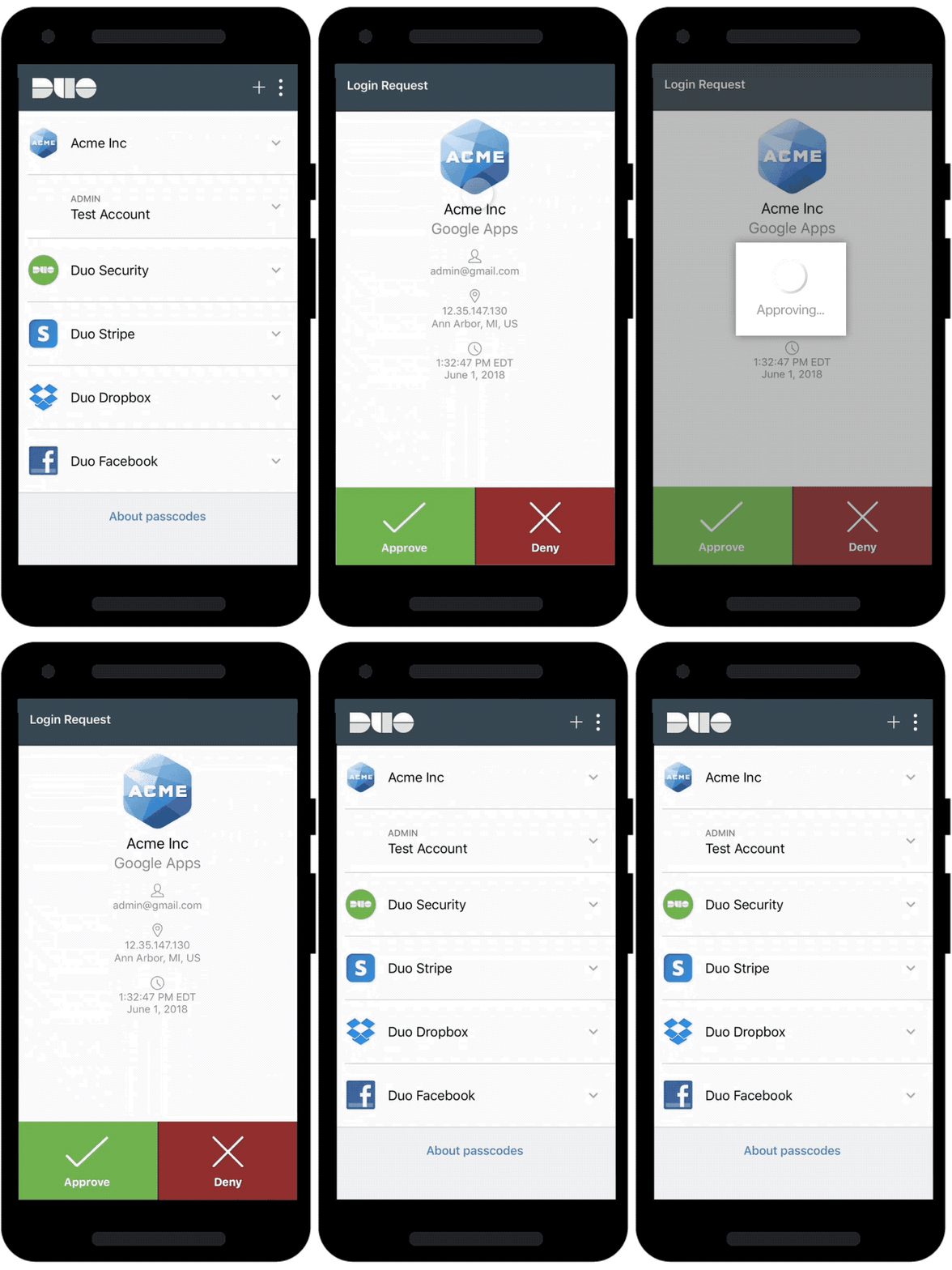
If a user ever reports that they are having difficulty receiving Duo Push notifications, there are a few options that administrators can suggest they try:
Pull-to-Refresh: Pulling down on the screen checks for notifications in the Duo Mobile app.
Verify Network Connectivity: Turn the phone to airplane mode and back again, or from Wi-Fi to cellular data.
Enable Push Notifications: Ensure that the user allows notifications on their phone.
Check the time: Make sure the time on their device is set automatically and that the timezone is correct on the phone.
Reactivate Duo Mobile: If standard troubleshooting steps did not resolve the issue, we recommend that you try reactivating Duo Mobile.
We have also created in-depth troubleshooting guides for Duo Push delivery for iOS and Android. Note that an IT administrator with the ability to modify port access may be required depending on the specific issue being encountered.
Duo Mobile on an airplane or traveling to a remote place
Duo Mobile can be used to generate passcodes on airplanes or other places where Duo Push, new batches of SMS-delivered passcodes, or phone callback are unavailable. Refer to the end user guides for authenticating with Duo Mobile-generated passcodes on Android or iOS. Learn more in the Duo Travel Guide.

Note: This course may no longer be accurate!
This course is an archived version saved for my professional portfolio. While much of this information is still true, the content is not guaranteed to be accurate. Current Duo administrators can find up-to-date resources at duo.com/docs and help.duo.com.